Tips
Little prompt tweaks go a long way:- Input & output selection:
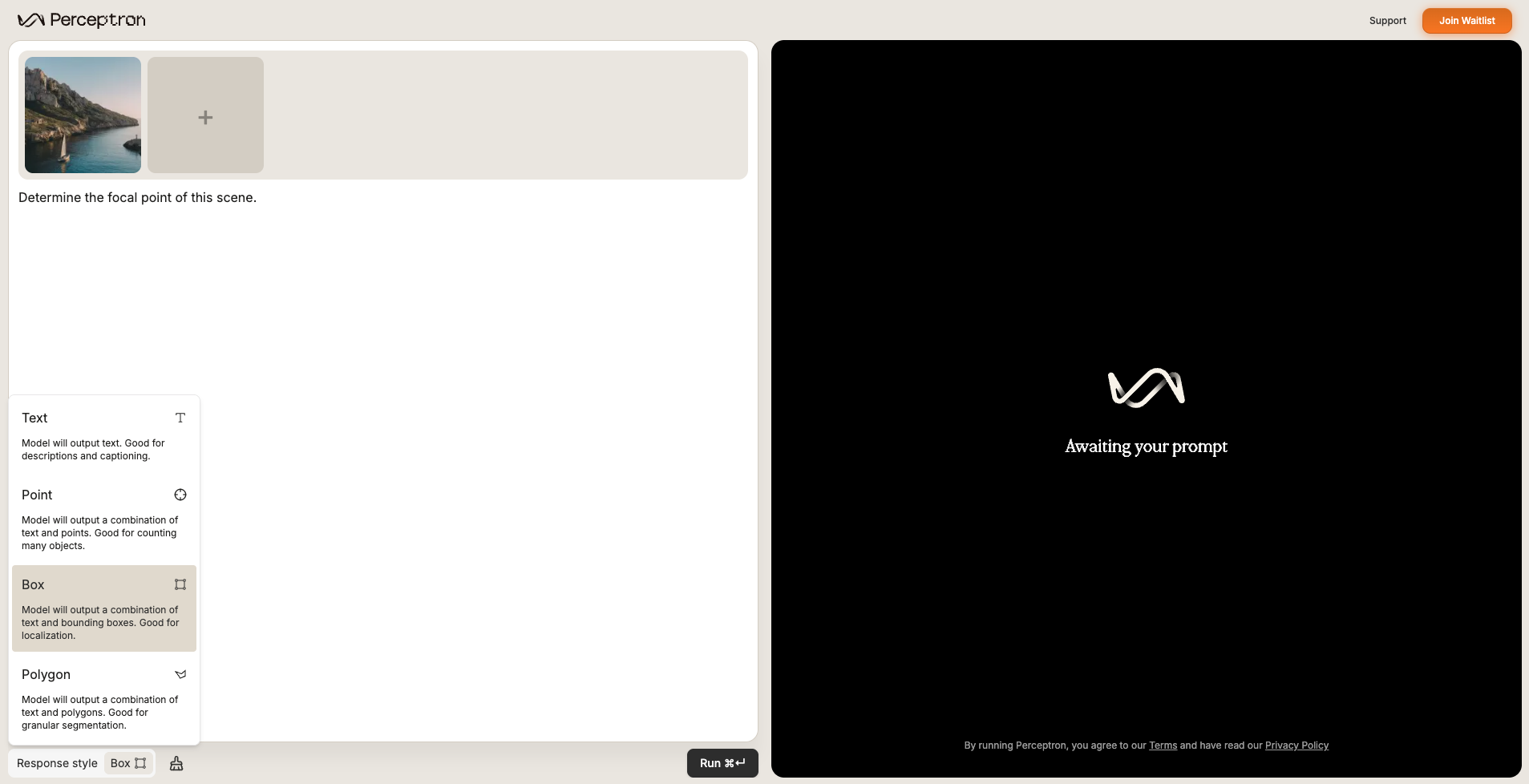
- Explicitly specify intended response style (text, points, boxes, polygons) instead of letting the model decide.
- Supply multiple images when in-context examples are useful.
- Prompt engineering:
- Tighten language for single- vs. multi-target pointing.
- Trim verbosity.
- Ask for rationale or step-by-step thinking.
Examples of prompts by task type
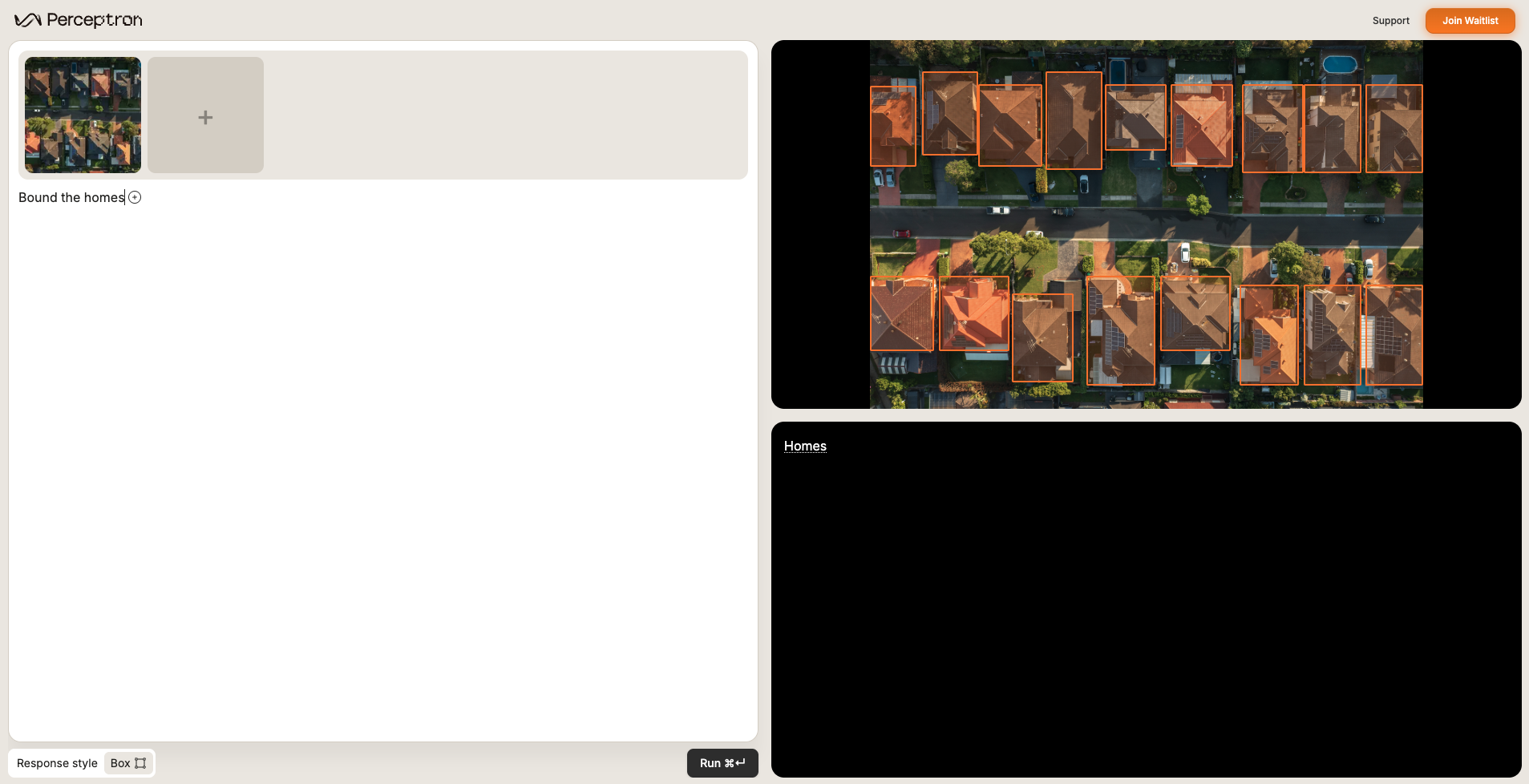
Object detection (grounding)
Identify objects, people, animals—anything you can describe.Bound the homes.
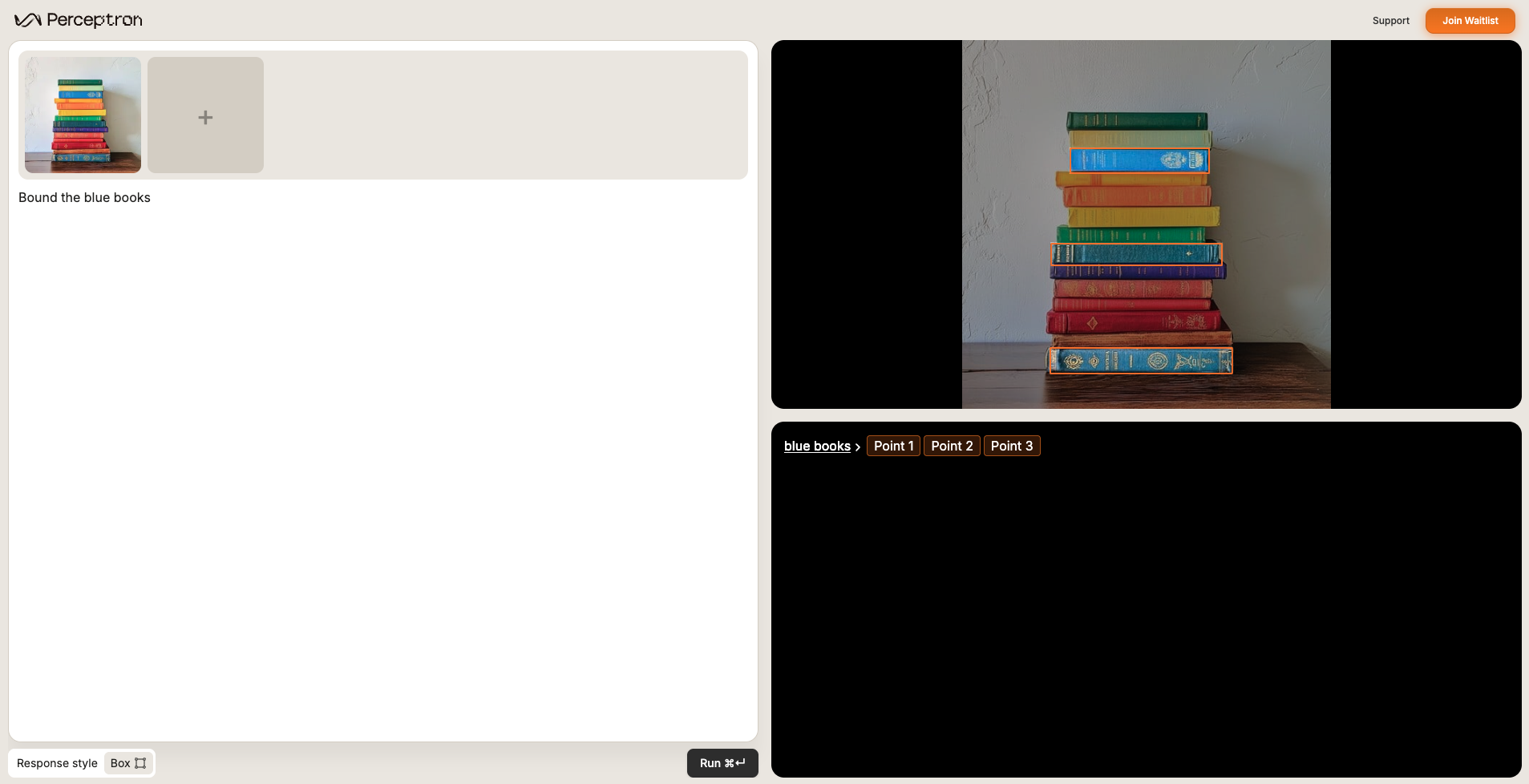
Object attribute detection (grounding)
Target roles, colors, or actions (e.g., “the person in a yellow vest”).Bound the blue books.
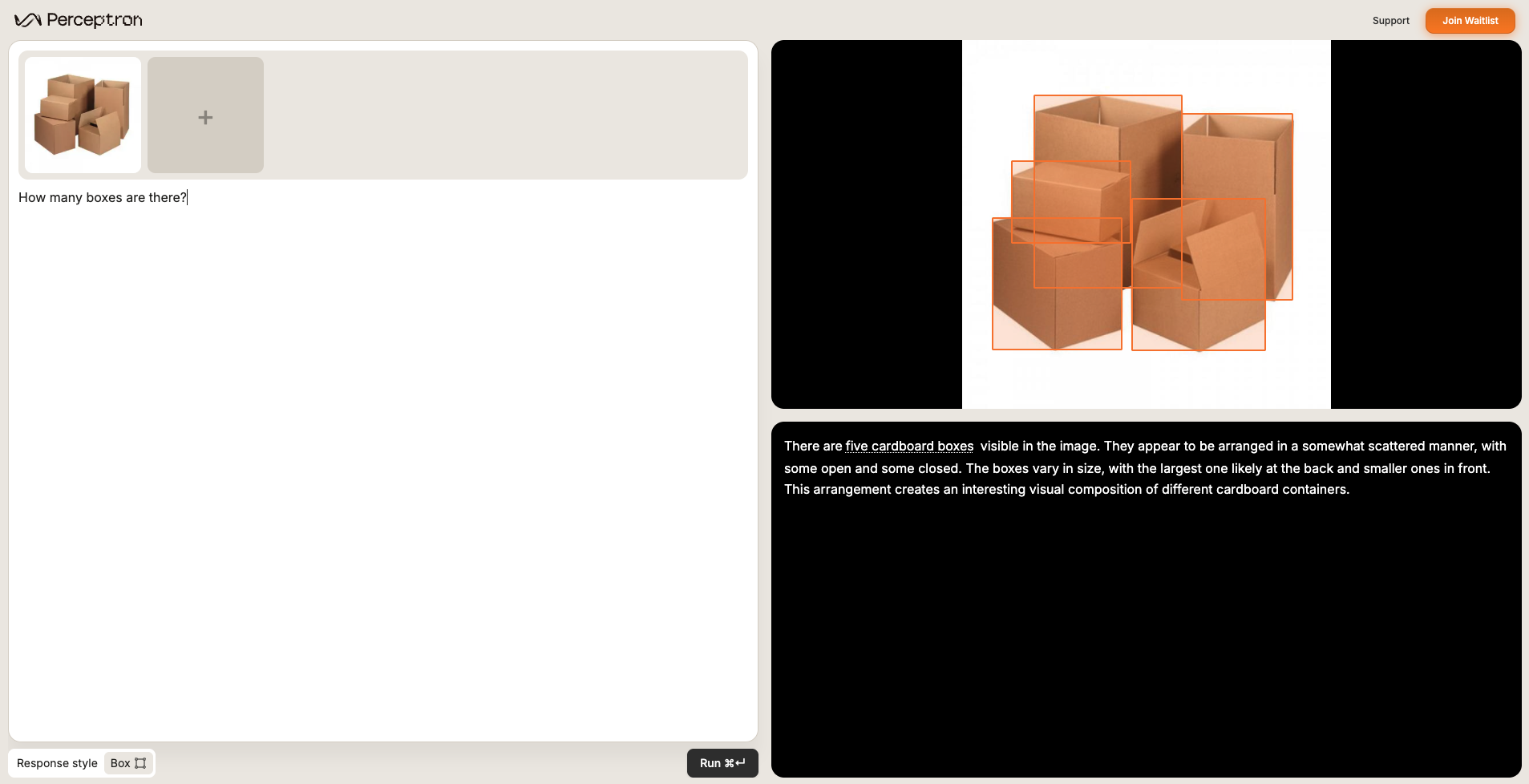
Counting (grounding)
Tally every instance of a specified object or entity.How many boxes are there?
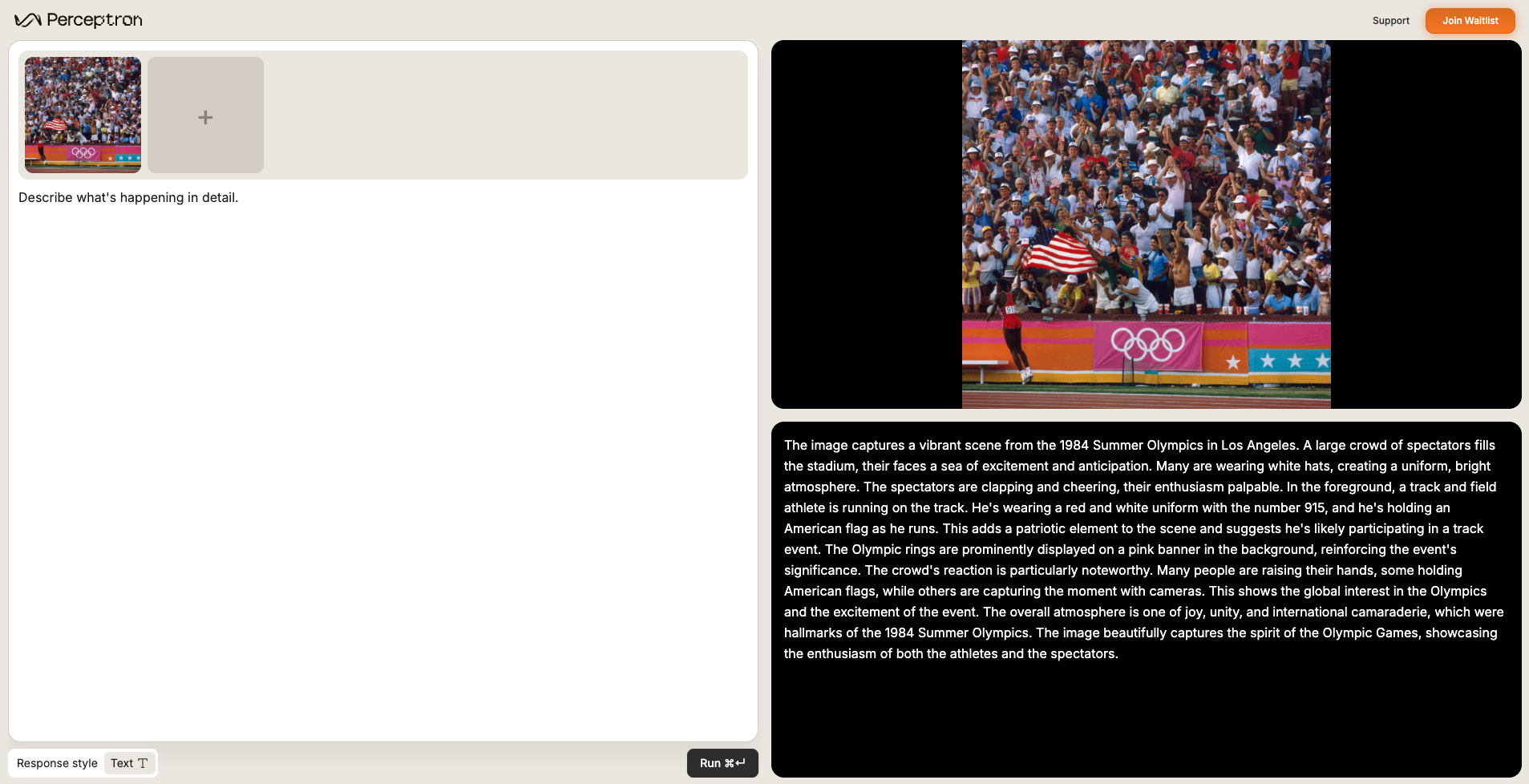
Scene captioning (VQA)
Ask open-ended questions about the scene for narrated summaries.Describe what’s happening in detail.
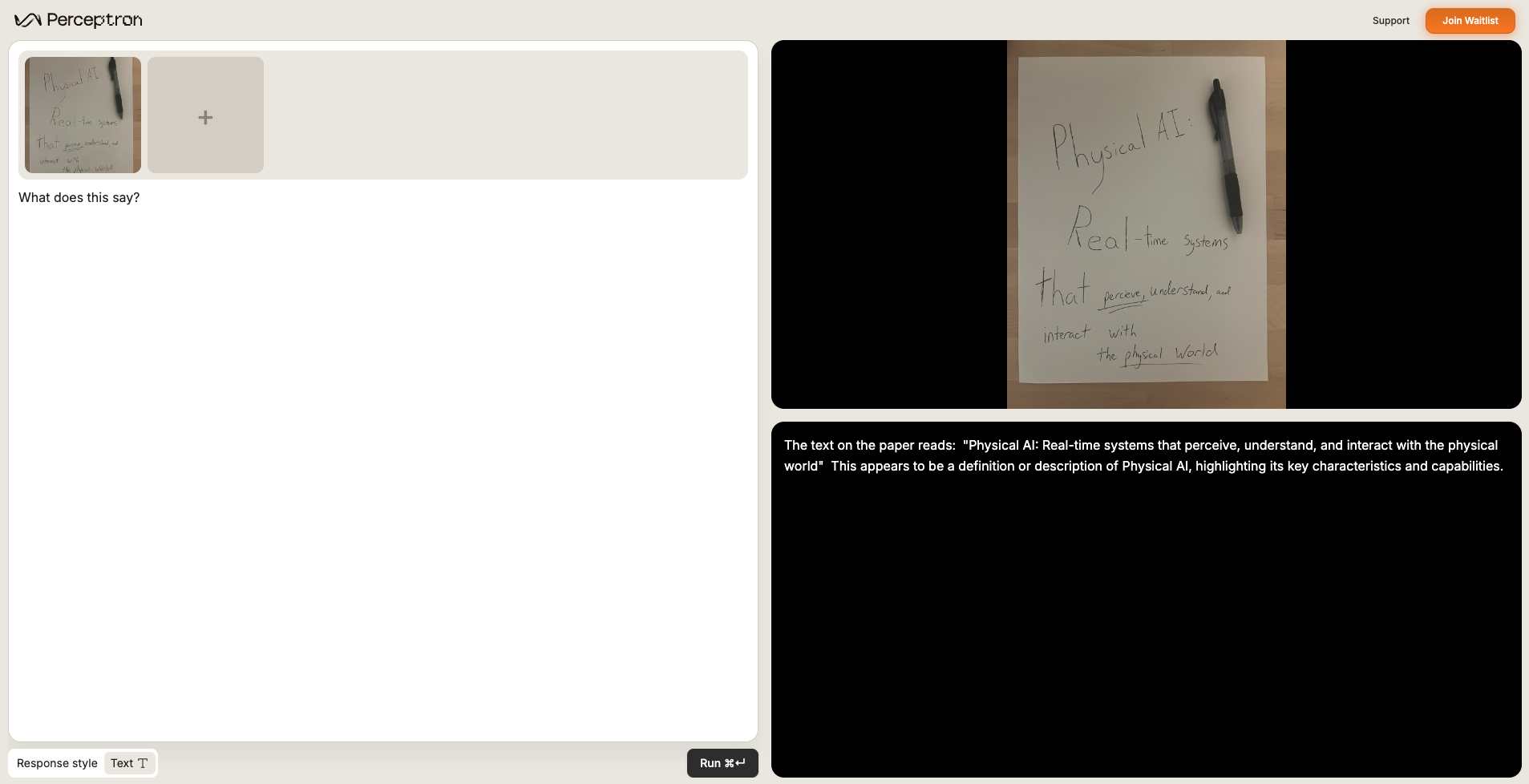
OCR (VQA)
Read signage, labels, and handwriting while preserving spatial context.What does this say?
Prompt engineering tips
Use these snippets when you want to tighten instructions and better control the model’s output.Single-target pointing
Natural language usually works (e.g., “Where is the forklift?”). If precision drops, anchor the task:Your goal is to segment out the following category:
INSERT_TARGET.Multi-target pointing
Request multiple targets with a comma-separated list:Your goal is to segment out the following categories:
TARGET_1, TARGET_2, TARGET_3.Concise responses
Trim verbose answers by appending one of these lines:Respond in 1–2 sentences.
Be concise.
Accurate rationale
If the model’s reasoning drifts, nudge it toward step-by-step thinking:Think step by step.
Counting with grounding
For precise counts, include grounded instructions such as:How many crates are there? Point to each.
In-context learning
When words fall short, show Isaac what you mean—attach exemplars of defects, rare components, or tricky textures so the model can mimic your labels.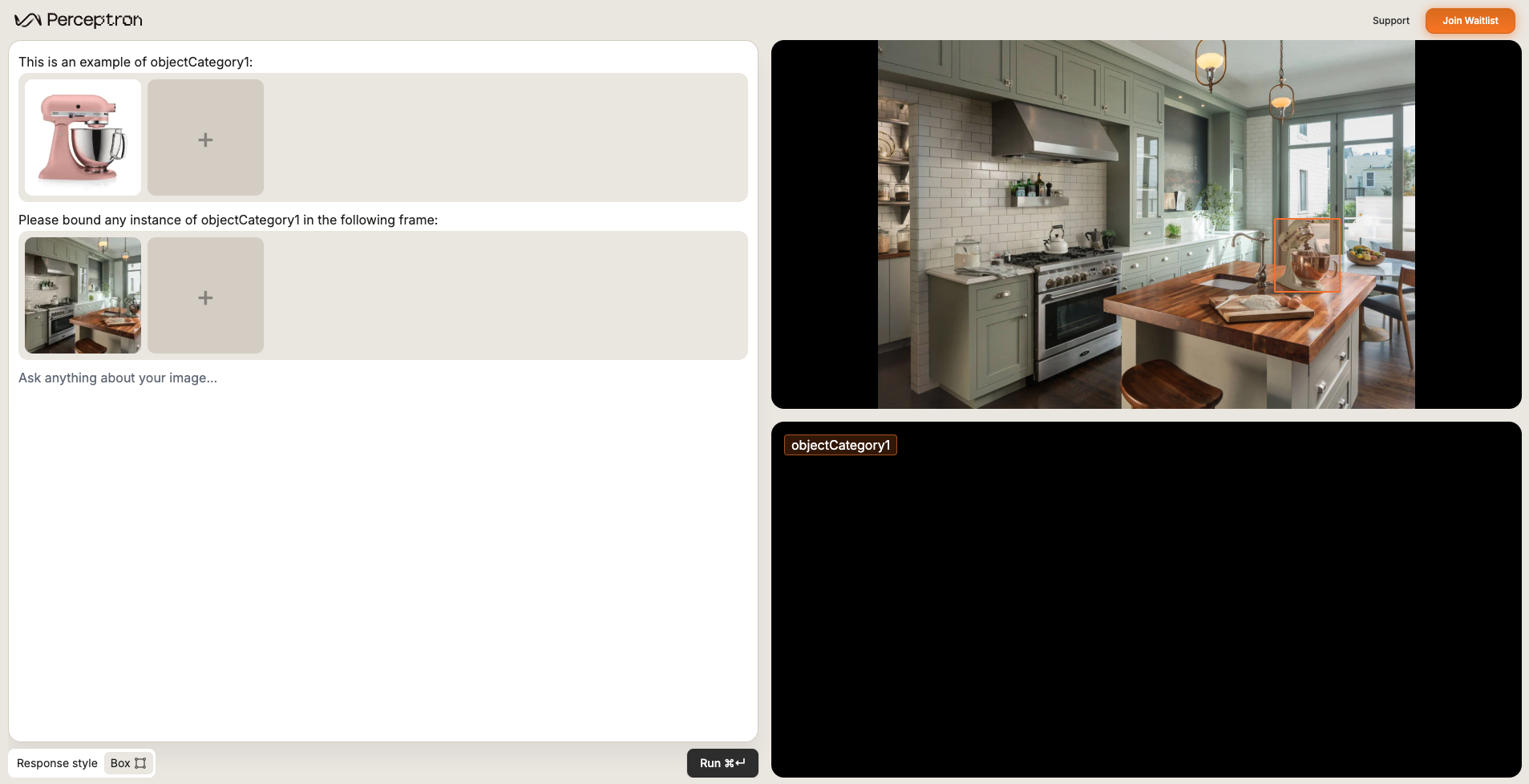
Leveraging the demo to iterate on prompts
Use the demo controls to trial new data combinations and rapidly compare prompt variations.Adding multiple images as input
Use the “+” button in the image carousel to supply extra reference shots or even multiple carousels. This unlocks in-context learning when text alone can’t describe the target.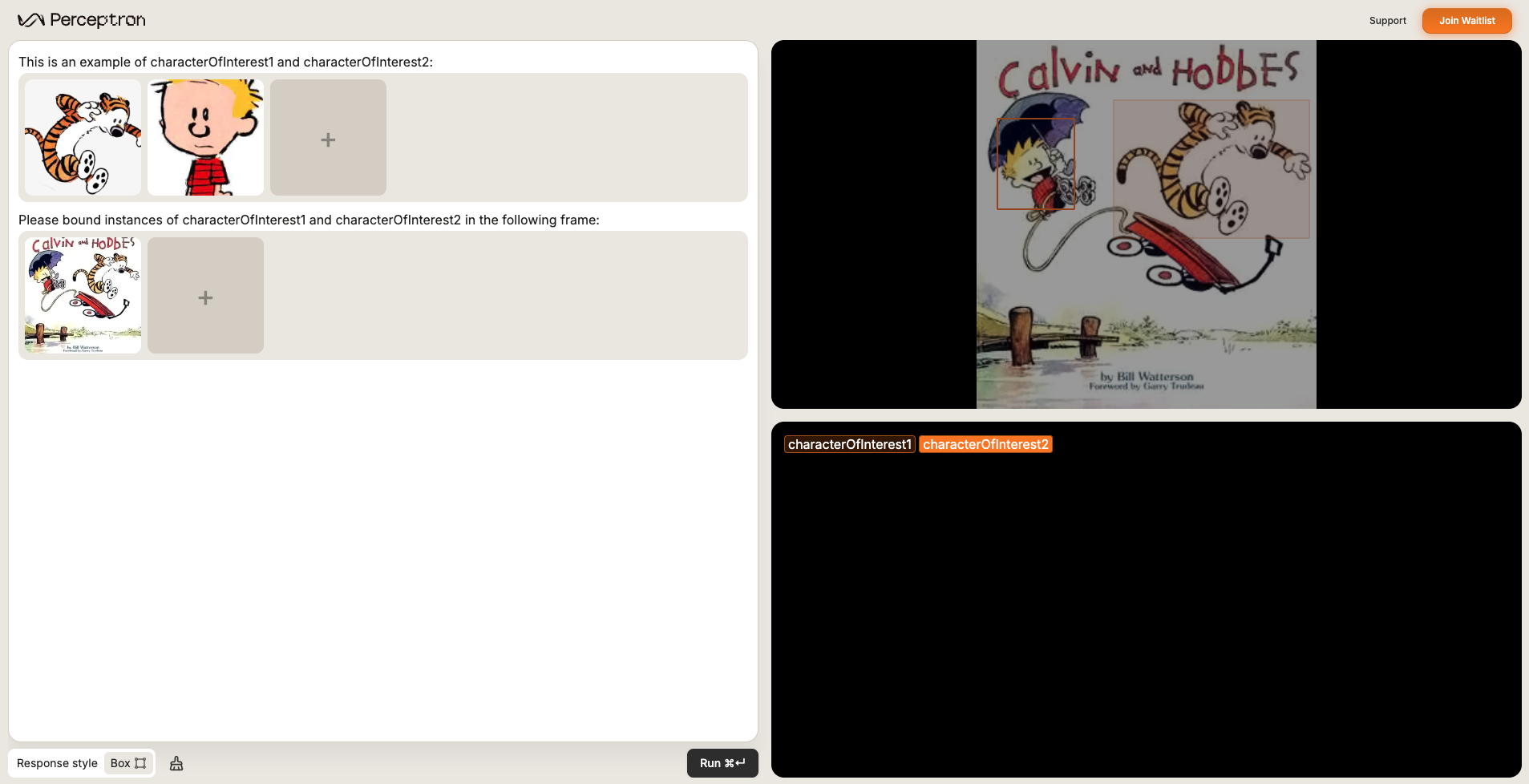
Choosing response style
Explicitly pick the response style (text-only vs. grounded outputs) so results match your downstream UI.